Review: Corsair Clipper Pro Mini 60
The Corsair Clipper Pro Mini 60 is one of the best keyboards tested in recent years, offering excellent typing and gaming experiences with innovative switch features, but it's held back by puzzling design decisions that limit its portability and versatility.
Small but mighty
The keyboard was provided to us for review by Corsair, thank you very much!
Every few years I convince myself that I'm finally ready to try and fall in love with 60% keyboards. The last time I tried a keyboard like this was two and a half years ago with the Logitech G Pro X 60. But shortly after that review, I quickly returned to my beloved TKL-sized keyboard. And here we are, two and a half years later, and this strange phase has come back to me once again as I try out a 60% keyboard—this time it's Corsair's new Clipper Pro Mini 60. So what do I think of it, and did it manage to win me over with the charms of 60%?
Missed opportunities from the get-go
I think the thing that best describes the Clipper Pro Mini is missed opportunity, and we'll see this woven throughout the entire review. The keyboard arrives with a box containing the keyboard, a USB-C cable, and paperwork—that's it. There's no switch puller and alternative keycaps, no wrist rest, but most of all there's no carrying case of any kind that would let you take the keyboard with you. One of the standout features of 60% keyboards is their compactness. The moment I saw the keyboard, I immediately looked for some kind of carrying bag that comes with it, a plastic cover that detaches from the bottom of the keyboard like ROG's Falchion, or something like that, and I couldn't believe there wasn't one. The keyboard had been opened by customs inspectors before it reached me, so I thought maybe the cover was lost there until I realized that no, the keyboard comes without any convenient carrying ability. Now I'm making such a big deal out of this because it's such an enjoyable keyboard that I want to take it with me when I leave my desktop at home, but Corsair simply says no, it has one place and it needs to stay put, and that's its first missed opportunity.
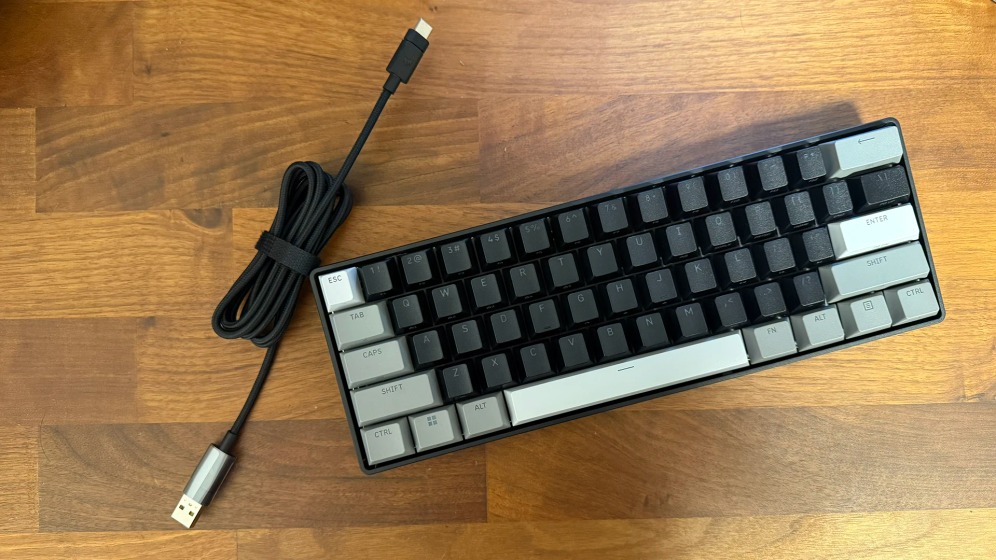
But unfortunately it doesn't end there. The Clipper Pro Mini is a wired-only keyboard. The first time I connected it, I looked for the dongle or a way to connect it via Bluetooth to the computer and didn't find one. Again I thought it was lost when customs opened it, until I looked at the product page for the keyboard which confirms it's wired only. Now in principle I have no problem with wired keyboards as long as they justify it (for example like the Galleon 100 SD), but here not only is there no justification for using a cable, it again goes back to the point about the case that makes it harder for me to take the keyboard with me everywhere. I would have really loved to throw the Clipper Pro Mini in my bag when I go work from a coffee shop and simply connect wirelessly to the laptop, but that convenience isn't possible here. Missed opportunity number two.
Small but gets the big job done
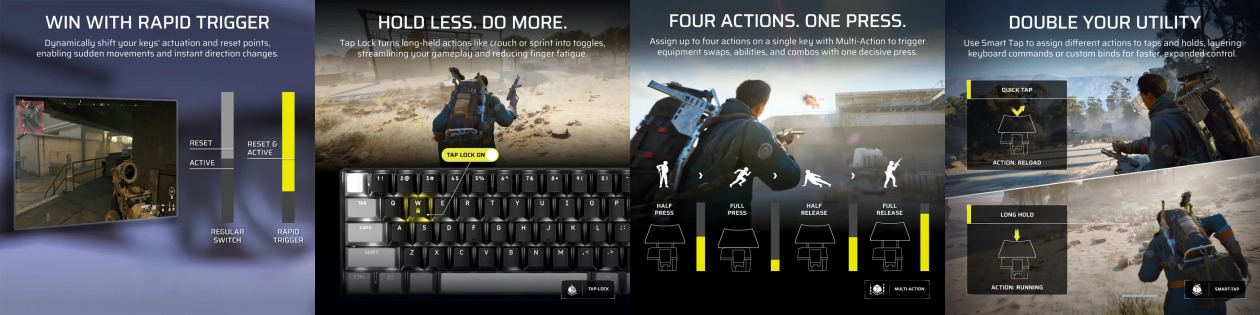
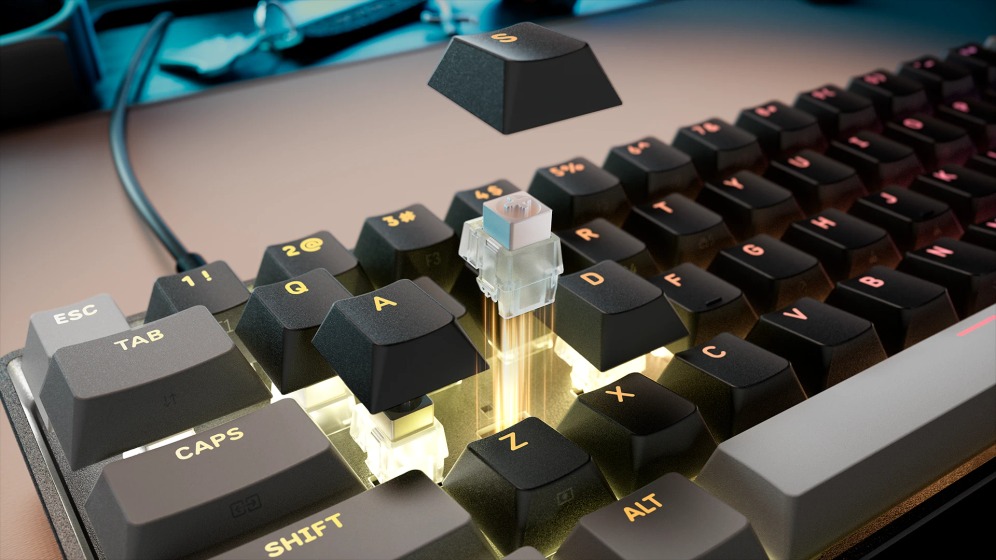
In terms of its features too, we see that the Clipper Pro Mini is sparse with very little to configure in the software, but I actually consider that a plus. Like any 60 keyboard, here too we have many key combinations together to compensate for the lack of physical keys, and that's fine. Alongside this standard, we also see some very nice features based on the keyboard's MGX switches. The first is Rapid Trigger, which I've talked about before; the second is Multi Action, which allows configuring up to four functions for the same button; the third is Tap Lock, which locks the key as if it's pressed (very useful for me in the E-Day beta); and the last is Smart Tap, which is somewhat reminiscent of what Multi Action does as it allows configuring one function for a short press and another for a long press on the same key—for example, reload on short press and switch to sprint on long press.
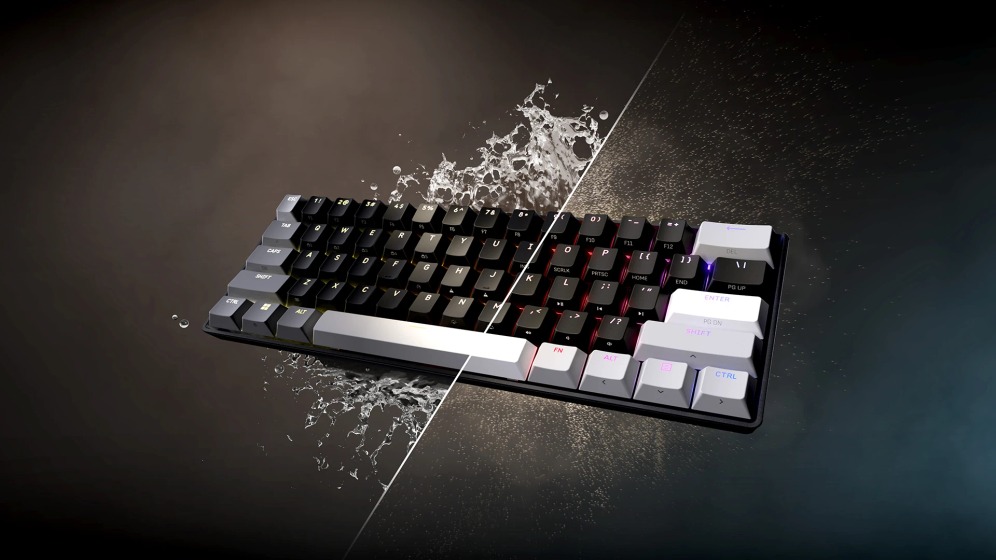
I already mentioned briefly that the Clipper Pro Mini is an enjoyable keyboard, and I have to say it's one of the most enjoyable keyboards I've tried in recent years. I don't exactly know what makes it so, maybe it's the small size, maybe it's the switches, maybe it's the construction made from sound-absorbing materials, and probably it's all of it together, but my gaming and typing experience with the Clipper Pro Mini were excellent. And this only makes the tragedy of this keyboard greater—if this is one of the best keyboards I've used, I want to use it at every opportunity, and that's so difficult. In recent weeks I've had to write a lot on the keyboard, whether this review here or several large impressions articles coming out in the coming weeks, and throughout the typing time it was enjoyable with good feedback, precise sound, and very few typos mainly thanks to the switches' forgiveness of accidental presses and light touches that aren't registered as presses. But with all these praises (and I have many more I spared you, like the water resistance that saved it from a cup that spilled accidentally), it's still hard to recommend 60 keyboards for typing. The lack of arrow keys to correct a single letter that got away bothered me greatly, and simple operations like changing sound required me to look and understand what combo I need to do—an act that reminded me of all those times I tried doing combos in Mortal Kombat from a combo page I printed out.
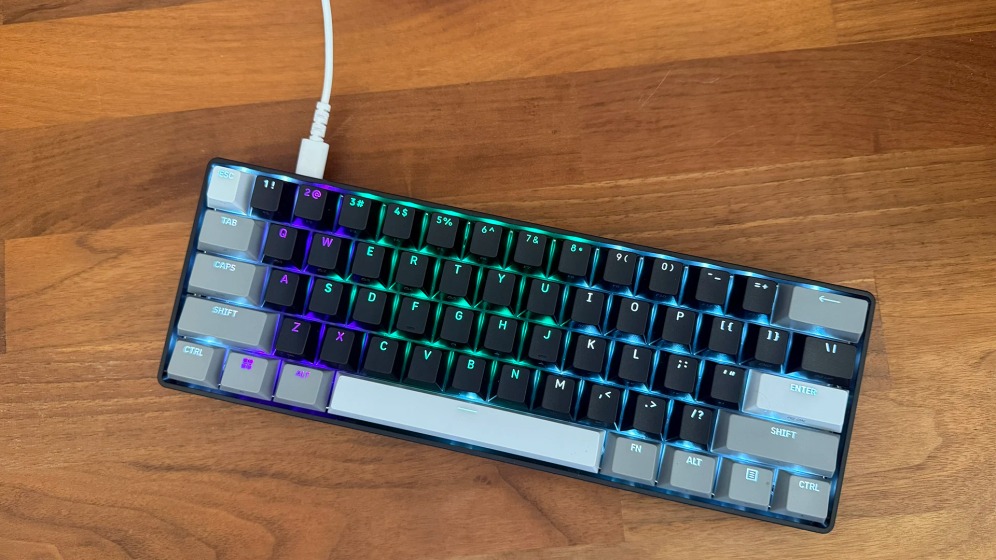
Naturally, the gaming experience was also very good. I'll set aside the excellent polling rate of 8,000Hz—once I remembered to use the features I mentioned earlier in my gameplay, it became much easier and more fun. I briefly mentioned the E-Day beta where I spent quite a few hours on it, and also in the fourth season of Battlefield 6, but here too I encountered the 60% limitation again. For as long as I can remember, I've been flying in Battlefield with the arrow keys and WASD keys, but here I don't have arrow keys. True, you can press Fn in combination with other keys to simulate the arrows, but that's an extra button you need to press and it's not intuitive or comfortable, which caused lots of crashes and even led me to start flying with the mouse instead of the arrows. Another thing I encountered while gaming is that the keyboard is very sensitive to movement—something about the design of the feet that elevate it is designed in such a way that they provide a lot of grip on the desk, and the moment I push the keyboard slightly forward, one of the feet folds. On one hand, the grip is excellent and keeps the keyboard in place as if it's cast to the desk. On the other hand, every time I wanted to move it slightly to improve my comfort, the foot would fold and I'd have to lift it and reposition the keyboard. A classic double-edged sword and missed opportunity number three.
The bottom line
The Clipper Pro Mini 60 is among the best keyboards I've tried to date, but it's also a tragedy filled with missed opportunities. Some of the decisions made with it aren't clear to me (especially the desire for it not to be portable) while others are so logical it sounds silly to even mention them. If you love 60% keyboards and you don't need a portable keyboard, there's a chance this is the keyboard for you. But if you're a devotee of TKL-70% keyboards or even full-size, despite this being an amazing keyboard at times, you won't find what you're looking for with it.